
Overview
The Vibe app for Snowflake connects your data warehouse to Vibe in both directions. Push first-party audiences from Snowflake into Vibe to target or suppress households. Then pull your CTV campaign results back into Snowflake to analyze next to your sales, CRM, and other channel data.
No CSV exports, manual uploads, or reporting pipelines to build. Identifiers are normalized and SHA-256 hashed before they are sent, and reporting runs inside your own Snowflake account under your governance and access controls. Only aggregated reporting data is delivered, with no raw logs or PII.
How to use
- Connect: Install the Vibe app from the Snowflake Marketplace and approve its network access in Snowsight. Open the app, enter your Vibe client ID and secret, and select Connect.
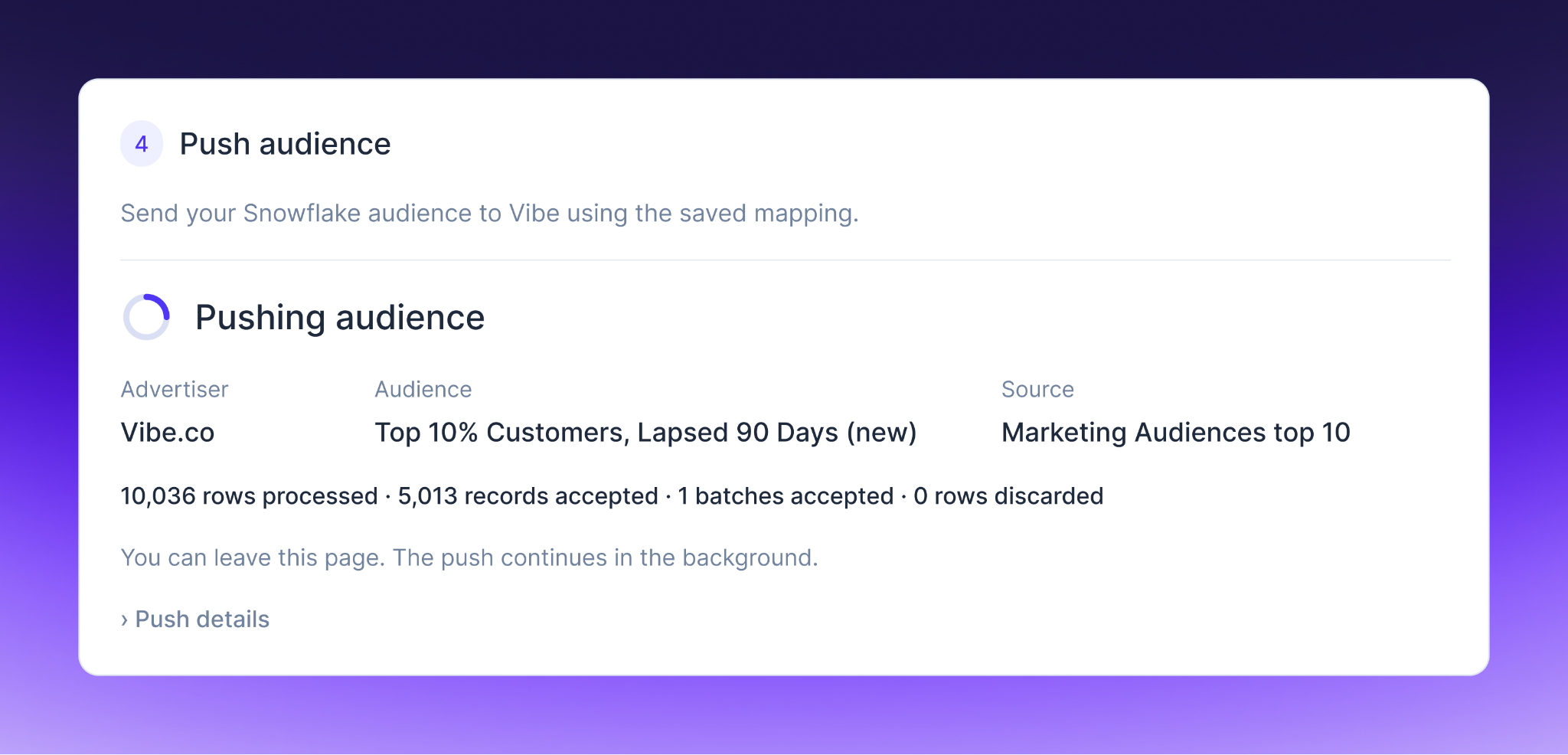
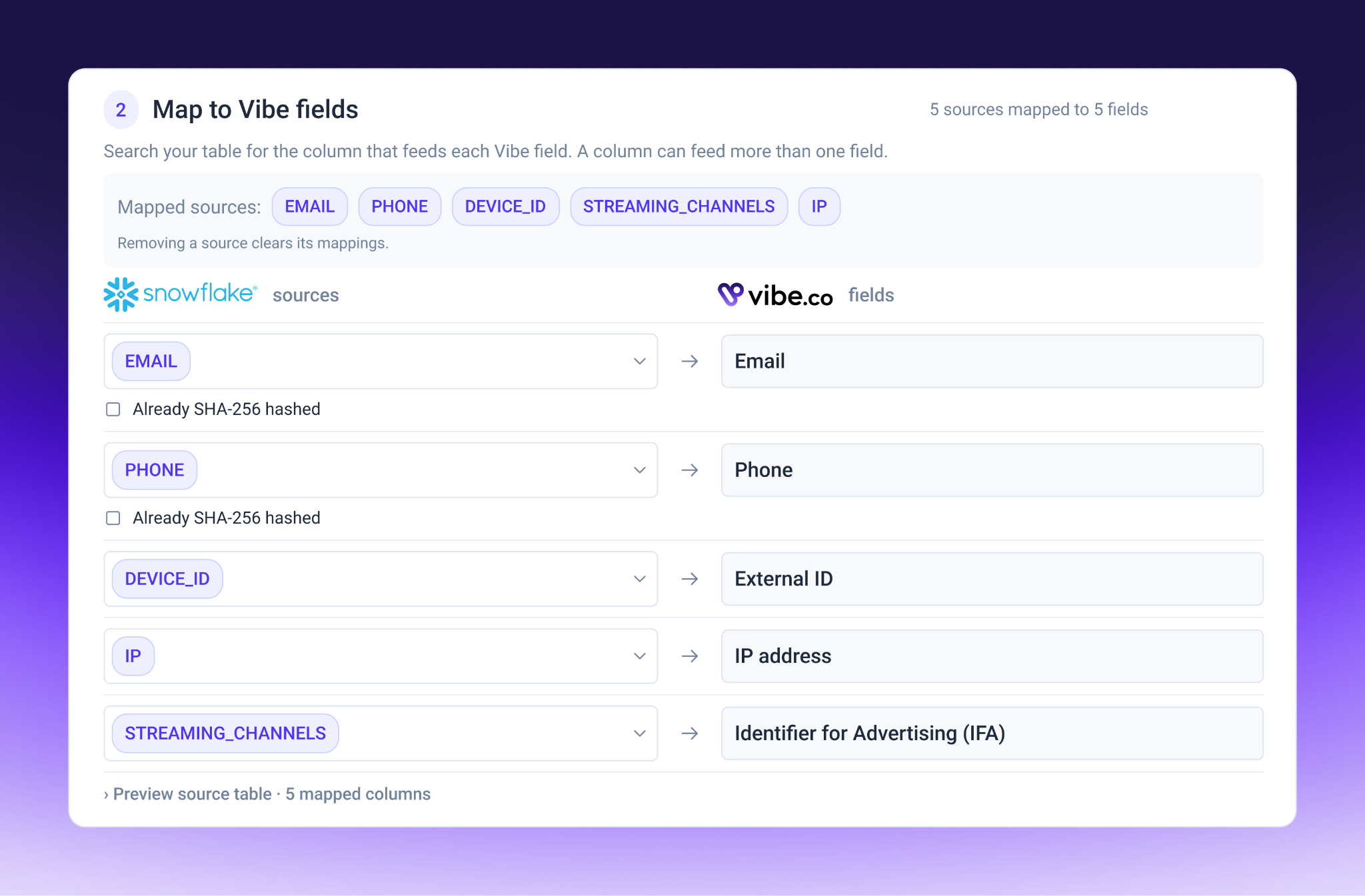
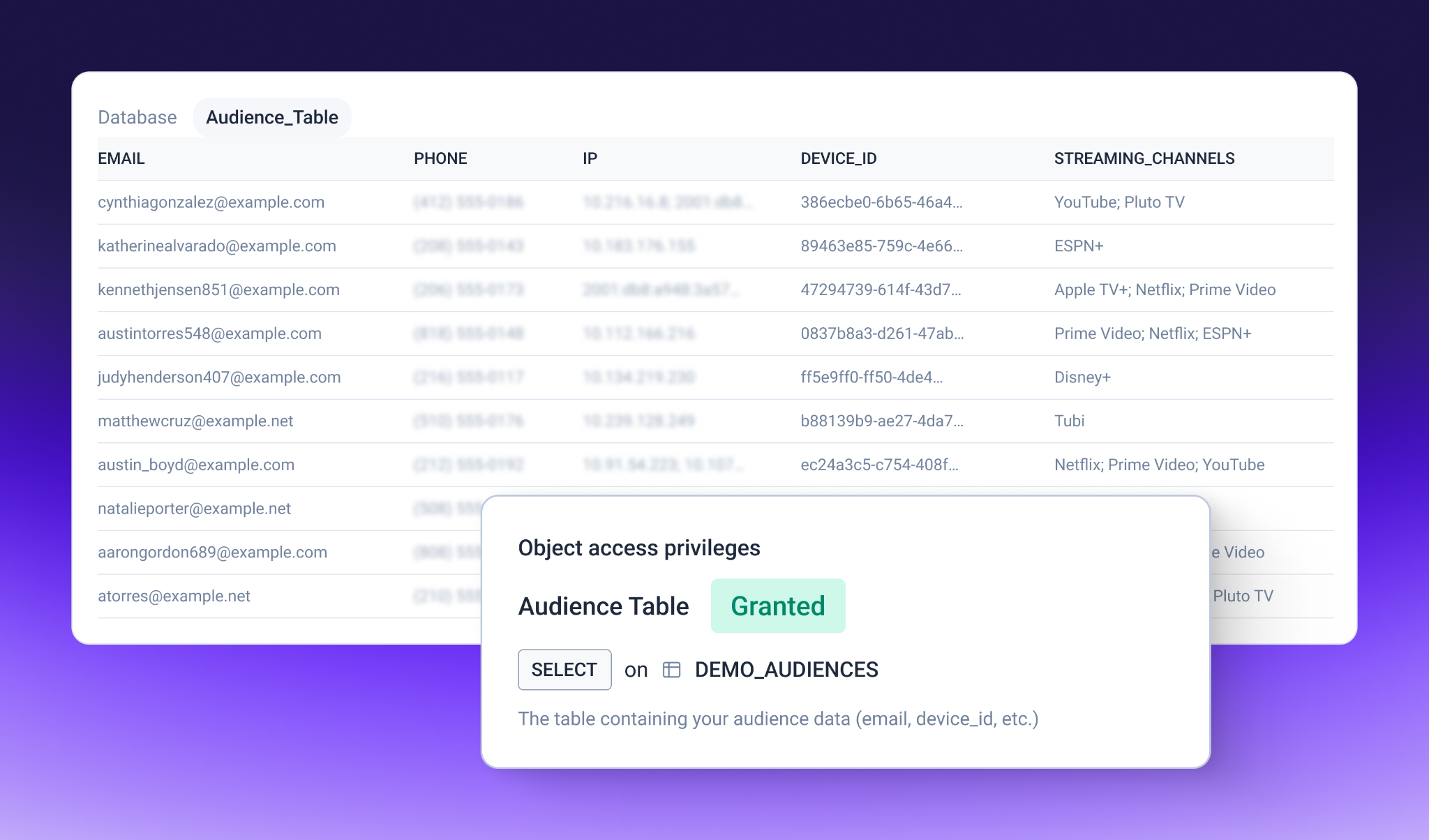
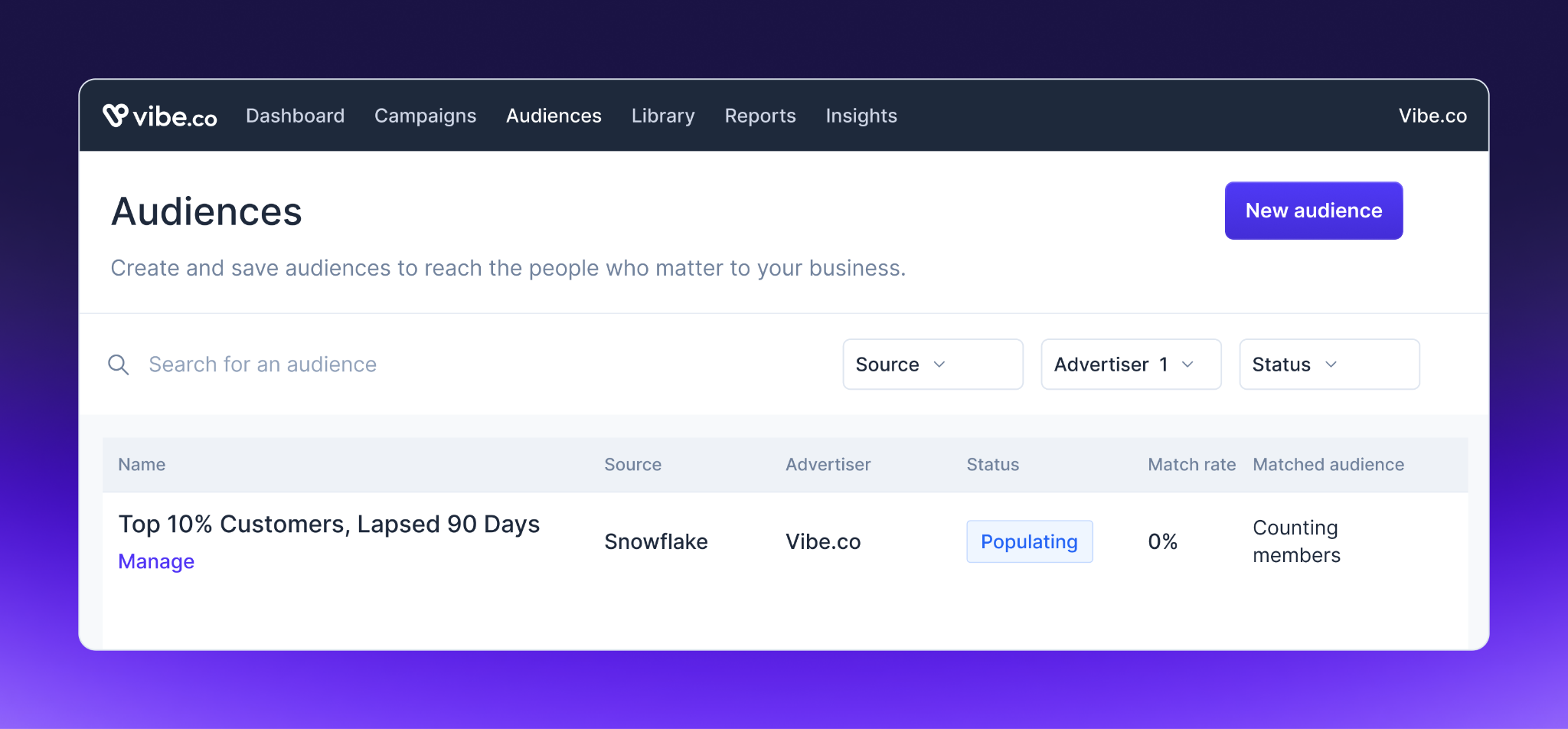
- Send audiences: Choose a Snowflake table, map the columns to send (email, phone number, or device ID), and push. The app hashes your data and sends it to your selected advertiser, ready for targeting or suppression in Vibe.
- Create a report: In the Reporting tab, pick advertisers, metrics, and dimensions like campaign, creative, channel, geography, or audience segment. Name the destination table in Snowflake.
- Run and query: Choose a date range and run the report. Results land in a table in your Snowflake account, ready to query with SQL or connect to your BI tool.
- Refresh anytime: Re-run for fresh data. Overlapping dates update in place, so late-arriving conversions are always reflected.
You might be interested in
Klaviyo
Sync customer data to power precise, data-driven CTV campaigns with high audience match and measurable impact.

Twilio Segment
Sync your customer data to Vibe for powerful Streaming TV audience targeting.

HubSpot
Sync your customer relationship data and automation workflows with your Streaming TV campaigns.

Amperity
Amperity is a Customer Data Cloud that unifies customer data from any source into accurate, complete profiles. Connect Amperity to Vibe to activate your first-party audiences for CTV advertising campaigns.

Clay
Build and manage high-intent ad audiences from 1st and 3rd party data in Clay and reach them on Streaming TV at scale.
Customer.io
Sync your Customer.io segments with Vibe to retarget your customers on Streaming TV campaigns.

Fivetran
Activate your Fivetran audiences on Connected TV to reach and retarget customers on the big screen.

L2
Trusted, precise voter & consumer data

Mailchimp
Sync your Mailchimp email audiences with Vibe to retarget subscribers on Streaming TV.

mParticle by Rokt
Activate your mParticle CDP audiences on Connected TV to retarget customers on the big screen.

Omnisend
Sync audience from Omnisend to Vibe

Primer
Activate B2B audiences on Vibe, measure campaign impact on pipeline and revenue, and optimize advertising performance across channels with Primer.

Talk Data to Me
AI Audience Builder

Tealium
Activate your Tealium CDP audiences on Connected TV to reach and retarget customers on the big screen.