
Introducing Audience Controls: granular targeting, your way
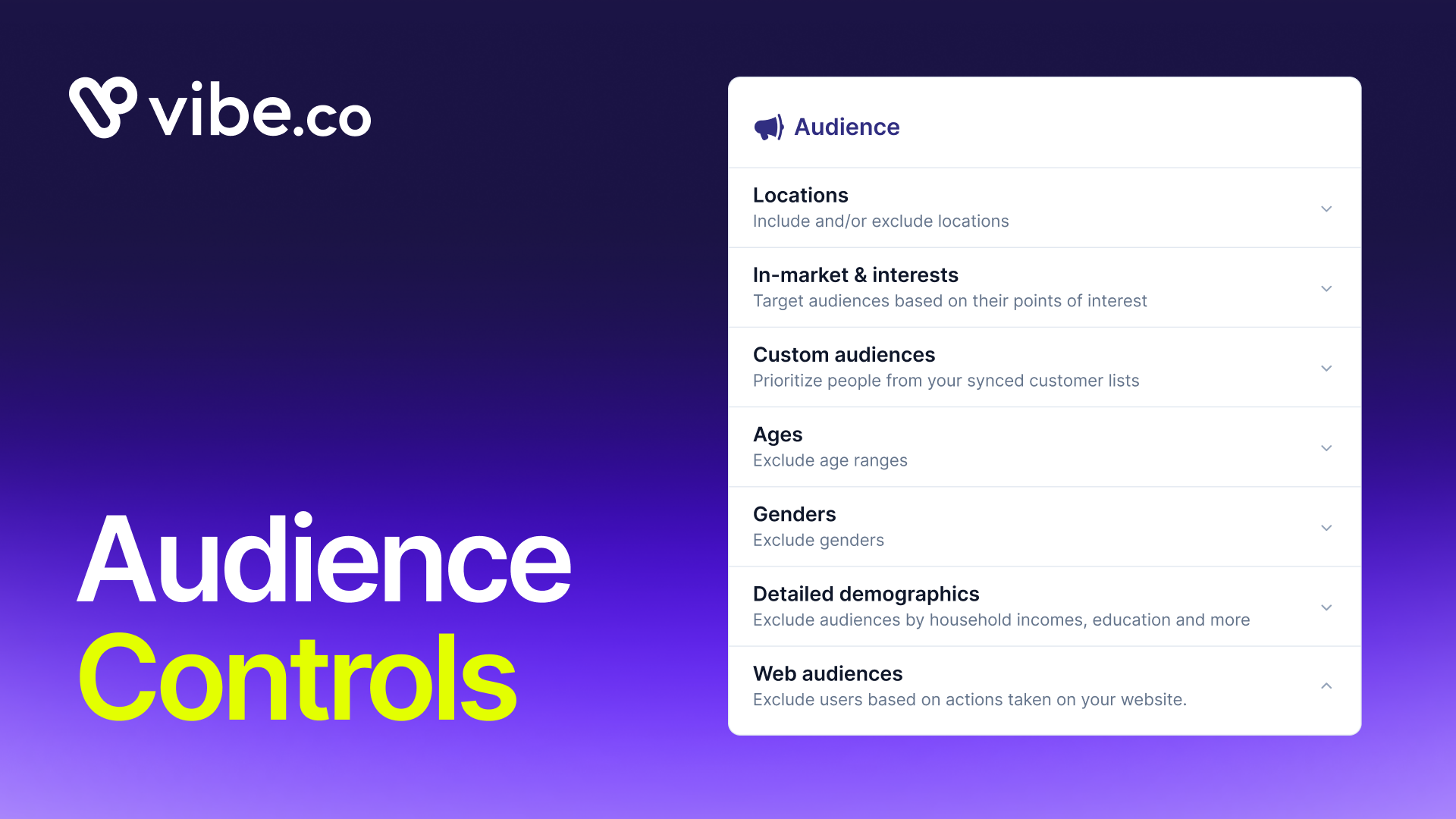
Audience Controls is now live on Vibe. For every audience type, you can now choose independently between Suggestions mode and Controls mode, mixing and matching based on what each campaign actually needs.
You might be looking to restrict your audience to specific demographics, while keeping a high reach. With Audience Controls, each audience type gets its own toggle, and the active mode is clearly displayed in each section so there's no guessing about how the campaign is configured.
Audience Controls is available today for Awareness, Traffic, Leads, and Sales campaign goals.
How it works
With Audience Controls, each audience type has its own Suggestions/Controls toggle. Flip one to Controls and the rest stay in Suggestions. Flip several. Mix however your campaign logic requires.
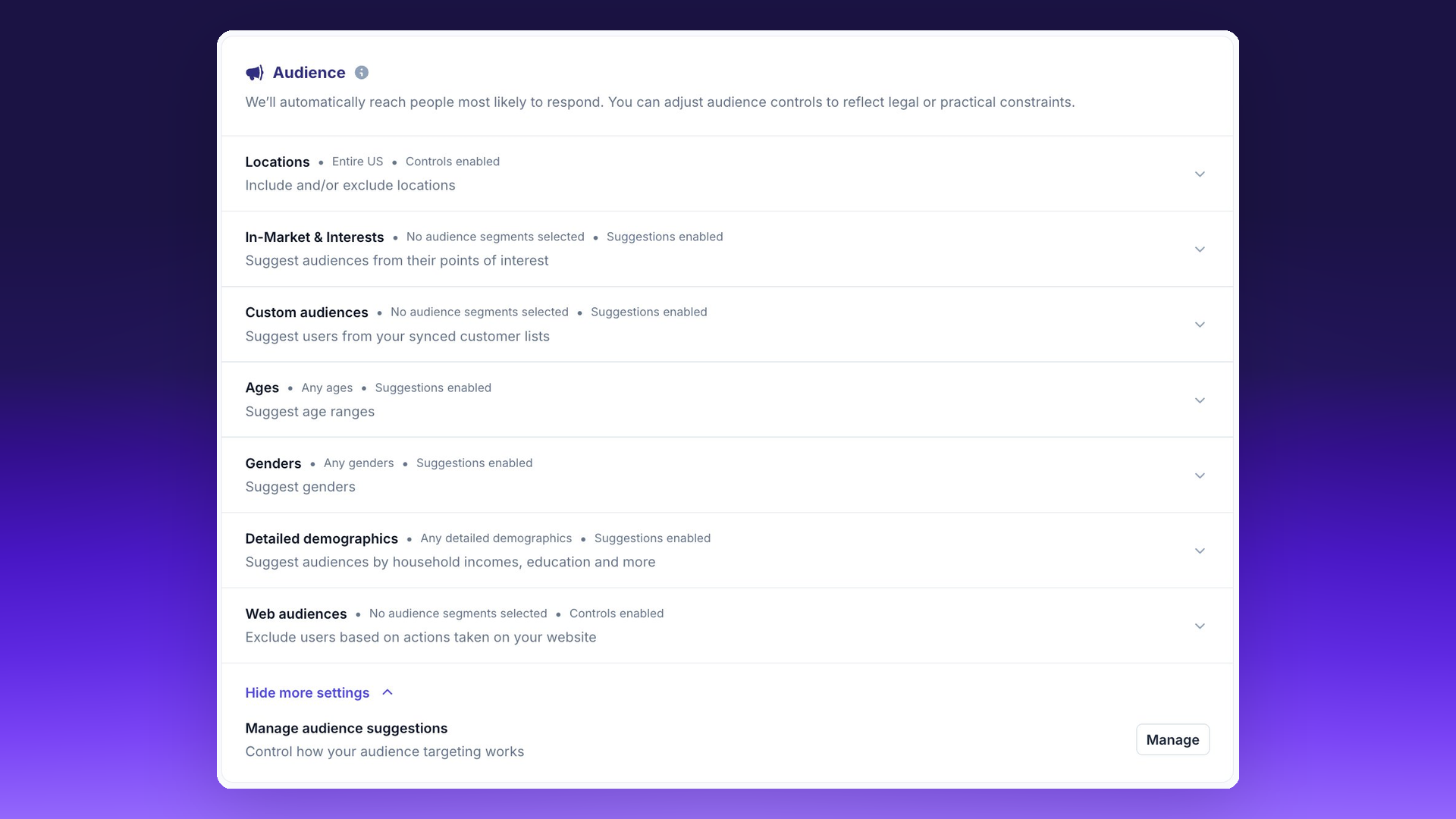
Here is what each mode does. Suggestions mode lets Vibe expand and optimize within that audience dimension. It is the recommended path for most campaigns, and it is the default for all new campaigns. Controls mode locks that dimension to exact match only. No expansion. No suggestions. You specify the audience, Vibe targets it precisely.
What you can control, audience by audience
Five audience types are independently toggleable: Age, Gender, In-Market and Interests, Detailed Demographics, and Custom Audiences.
Two audience types are always in Controls mode and cannot be changed: Locations and Web Audiences. These have always worked as exact-match targeting, and that behavior is unchanged.
Custom Audiences is the most common reason advertisers will flip to Controls. If you have a CRM list you need to reach exactly, keeping Custom Audiences in Controls mode ensures Vibe delivers only to that list. You can keep everything else in Suggestions and let the algorithm work.
The active mode on each audience type is always visible at a glance in the campaign setup. You will not need to click into each section to check the state.
Age targeting: one control instead of two
We also removed the separate Age Restrictions audience that was causing confusion. There is now a single Age control. It works like any other audience type: toggle it between Suggestions and Controls.
Advertisers with industry-level age restrictions, for example alcohol, CBD, or gaming, will have Age automatically forced to Controls with the relevant age ranges pre-restricted. The restriction is enforced at the account level. You do not need to configure it per campaign.
Starting from Suggestions
All new campaigns default to Suggestions mode on every toggleable audience type. That means Vibe's optimization runs fully by default, and you layer in Controls where your campaign requires them.
For most advertisers, most of the time, the right answer is to leave Suggestions on and let Vibe find the audience. Controls are there for when you know exactly who you need and cannot afford expansion. A retargeting campaign against a customer list is the clearest case. A prospecting campaign usually is not.
The educational content within each audience section explains the tradeoff directly, so the choice is clear at the time you are configuring the campaign, not after it has run.
Availability
Audience Controls is live today for all Vibe advertisers on Awareness, Traffic, Leads, and Sales campaign goals.
To use it, open your campaign settings, expand any audience section, and look for the Suggestions/Controls toggle. The setting takes effect immediately and applies to new campaigns and active campaigns you update.

Fairing on Vibe: post-purchase answers become CTV conversions
Fairing on Vibe: post-purchase answers become CTV conversions
Connect Fairing to Vibe so your streaming TV channels appear in your post-purchase survey, and the customers who credit TV come back as conversions.
Design in Canva, run on TV
Vibe is now the first CTV destination in Canva's publish menu. Design a video ad in Canva and publish it straight to your Vibe creative library.
Introducing Omnisend for Vibe
Sync Omnisend segments to Vibe and run them as Streaming TV audiences.
Introducing Vibe CLI
Run CTV campaigns from your terminal or coding agent with Vibe CLI. Query performance, launch campaigns, and script the repetitive work. Live now.
Introducing Stella for Vibe
Vibe now connects to Stella, so performance marketers can measure CTV with causal proof, not guesswork.

Get started with Vibe
in minutes.


Industries
© 2026 Vibe, Inc.