
Adverity
Overview
Adverity is a marketing data intelligence company with two products.
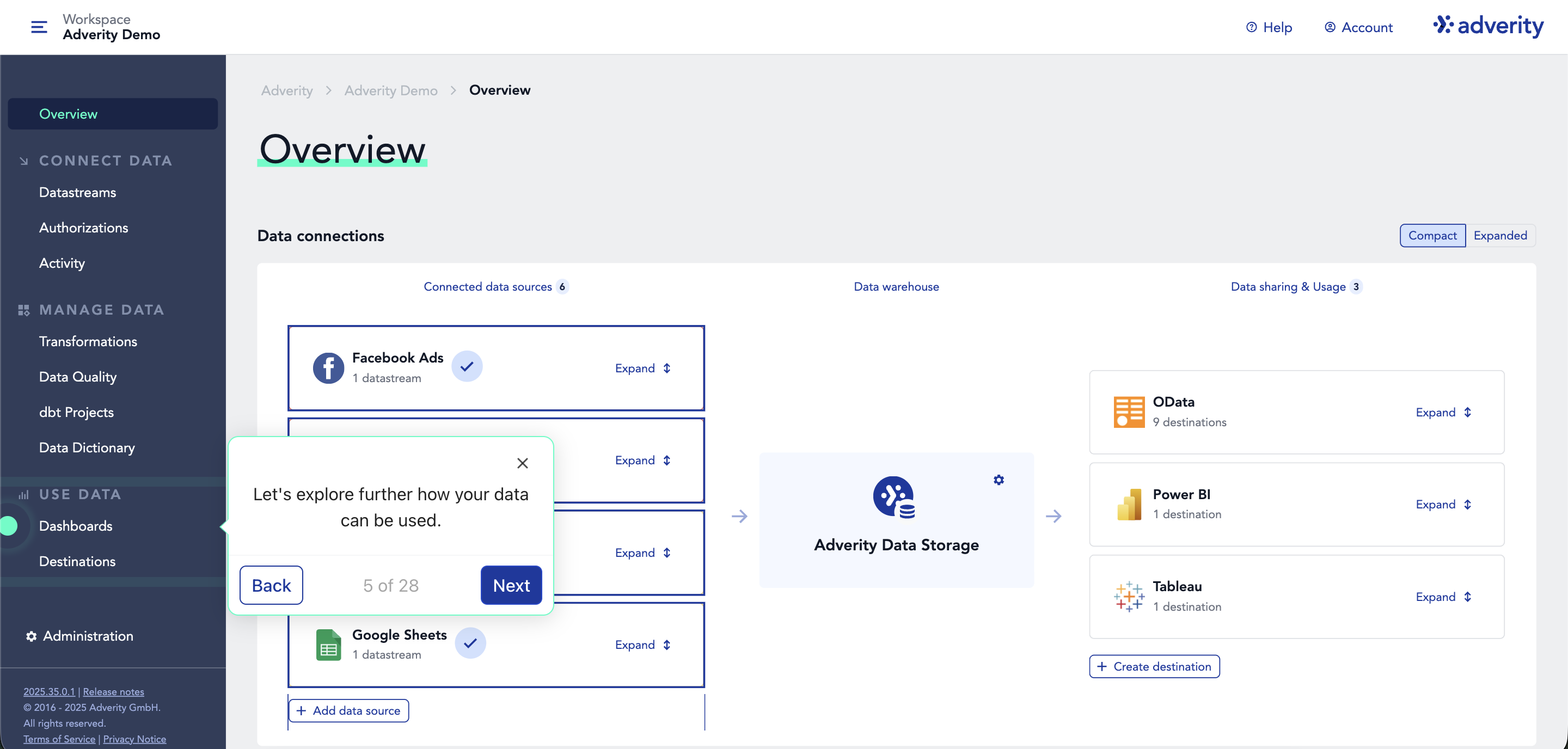
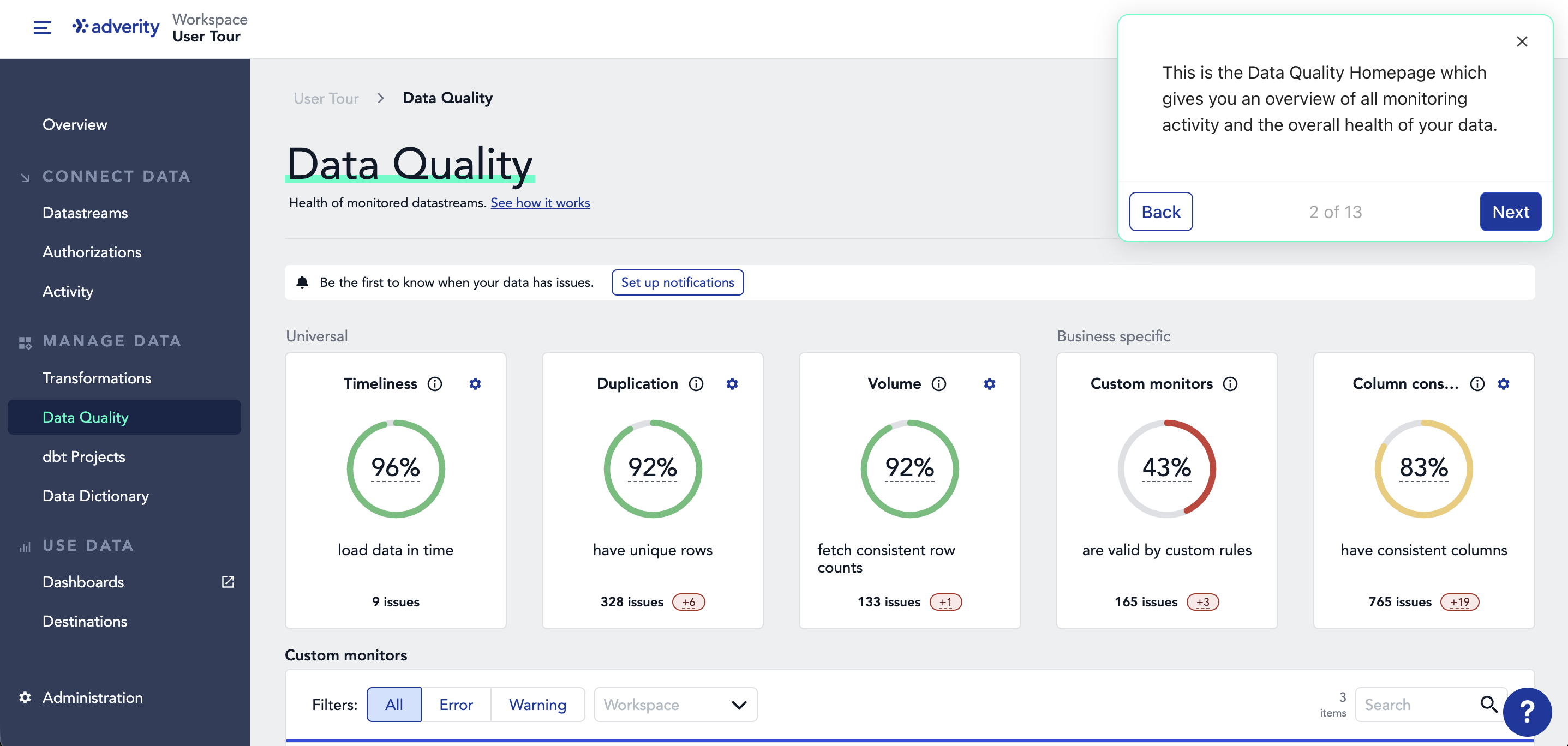
Adverity Connect is an enterprise-grade marketing ETL (extract, transform, load). It pulls data from 600+ sources, harmonizes it so metrics are comparable across platforms, monitors it continuously for quality, and delivers it to your warehouse or Adverity-managed hosting.
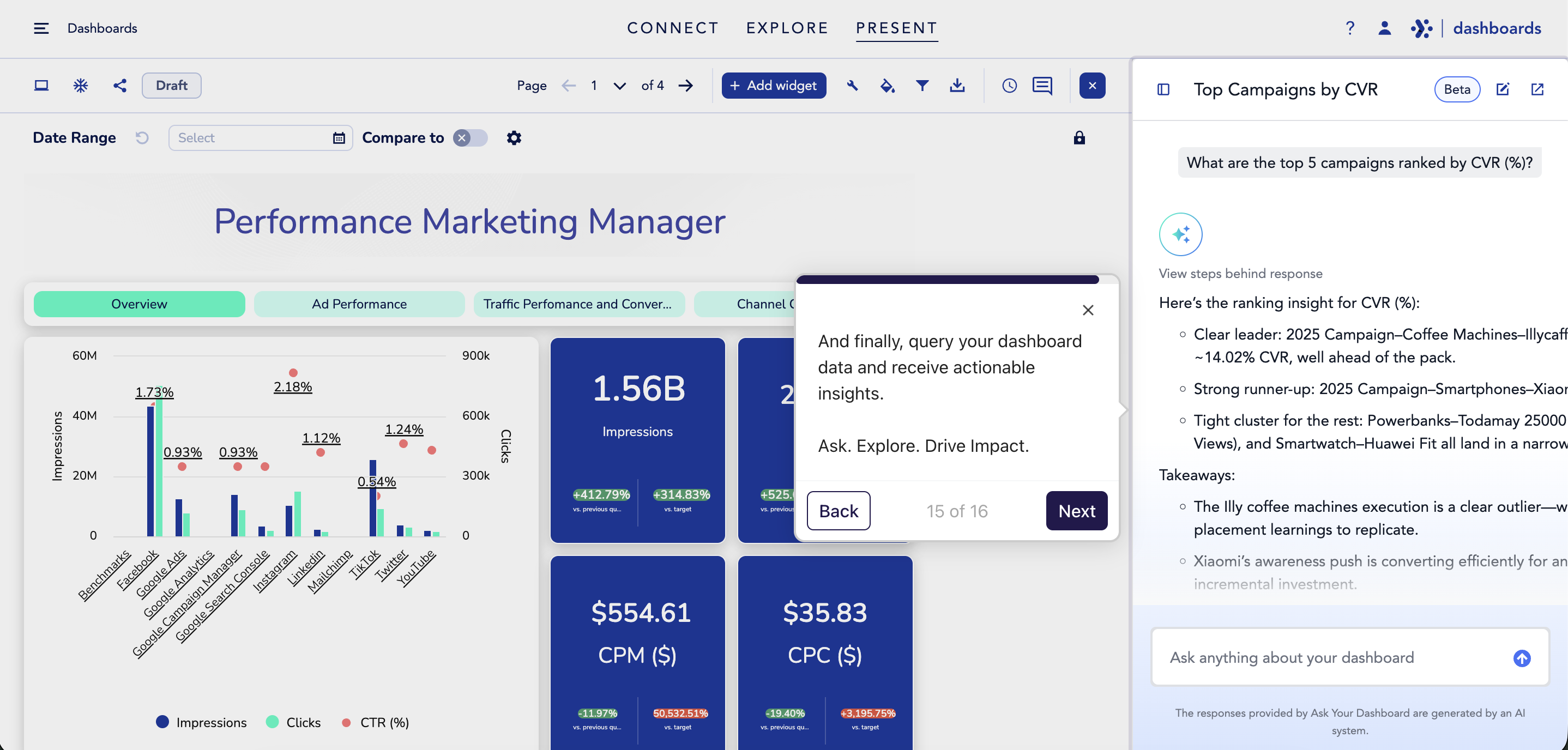
Adverity Atlas is a marketing knowledge layer. It sits on top of any warehouse and gives AI three things it needs to work accurately on marketing data: knowledge of what marketing metrics mean, context on your specific schema and business rules, and tools to query across Snowflake, BigQuery, Databricks, and Redshift.
Connect builds the data foundation. Atlas is the knowledge layer that makes marketing AI work.
How to use
Follow these steps to get started with using the Vibe connector in Adverity:
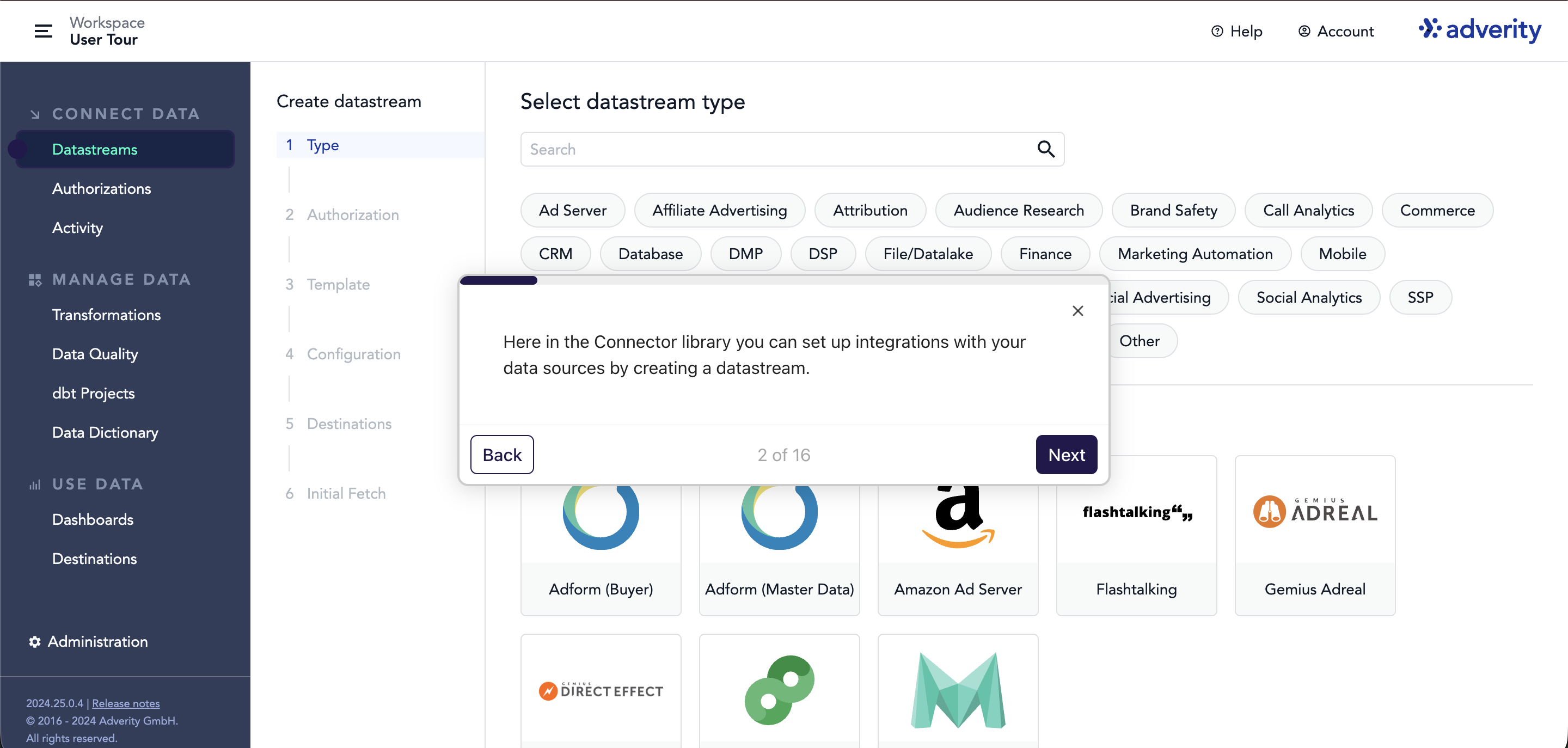
- Create a datastream: In Adverity, go to Datastreams → + Create datastream, search for Vibe, and select it.
- Authorize: Click the connect button and log in to your Vibe account. Grant requested permissions.
- Configure: Choose your advertisers, select a report type, set a date range, and add filters as needed.
- Run: Save the datastream, then fetch data immediately or schedule regular pulls.
You might be interested in
Adzviser
Adzviser connects cross-channel marketing data to AI assistants and BI tools for automated reporting.

Domo
Create and run reports, and track and analyze purchase events across your advertising campaigns.

Funnel.io
The Marketing Intelligence Platform that helps 2000+ marketers to go from data to intelligence

Polytomic
Sync between Vibe and your databases and apps

Supermetrics
Connect Vibe ads with your favorite reporting tools and warehouses, turning raw data into useful insights.

Windsor.ai
Windsor.ai automatically syncs your Vibe.co data with BI tools, data warehouses, or databases, enabling you to conduct in-depth cross-channel analytics.