
Overview
Improvado is a marketing data platform that brings 1,400+ marketing data sources into one place for reporting and analysis.
Your Vibe streaming TV results sit next to your search, social and other channels, so you can compare spend and outcomes without manual exports.
- Vibe performance by advertiser, campaign, strategy, creative, channel, screen type and location, daily, weekly or monthly.
- Spend, impressions, households, completed views and conversions such as purchases and leads.
- Delivered to your own data warehouse or to Improvado dashboards.
Setup takes a few minutes: sign in to Vibe from Improvado and pick the advertisers to share.
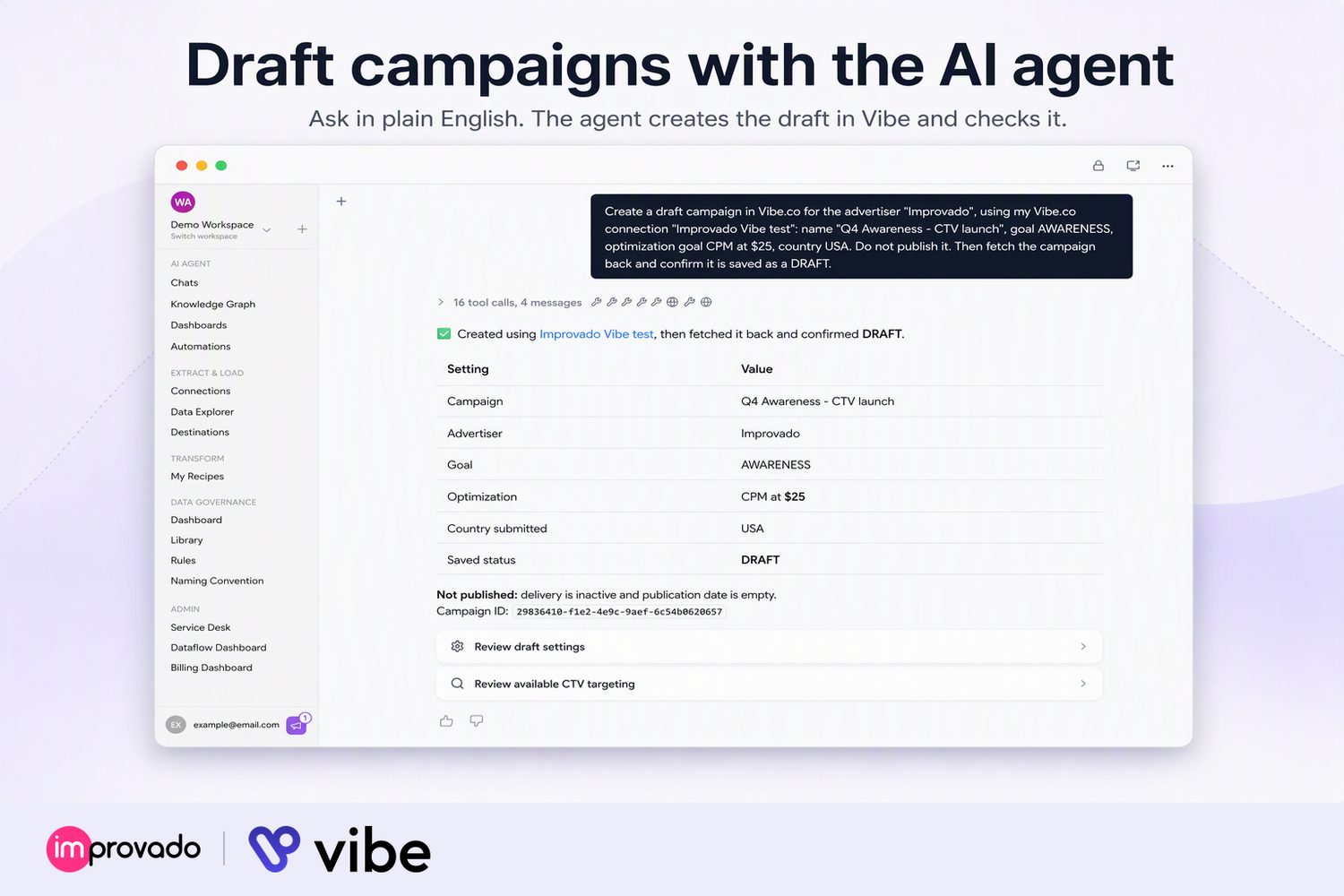
Data access: reports, audiences, campaigns, strategies and creatives of advertisers you choose. With write access, the AI agent can create and edit campaigns, creatives and audiences; it never publishes. Used for your reports and agent tasks, kept in your Improvado workspace. Privacy policy: https://improvado.io/legal/privacy-policy
How to use
Follow these steps to connect Vibe to Improvado:
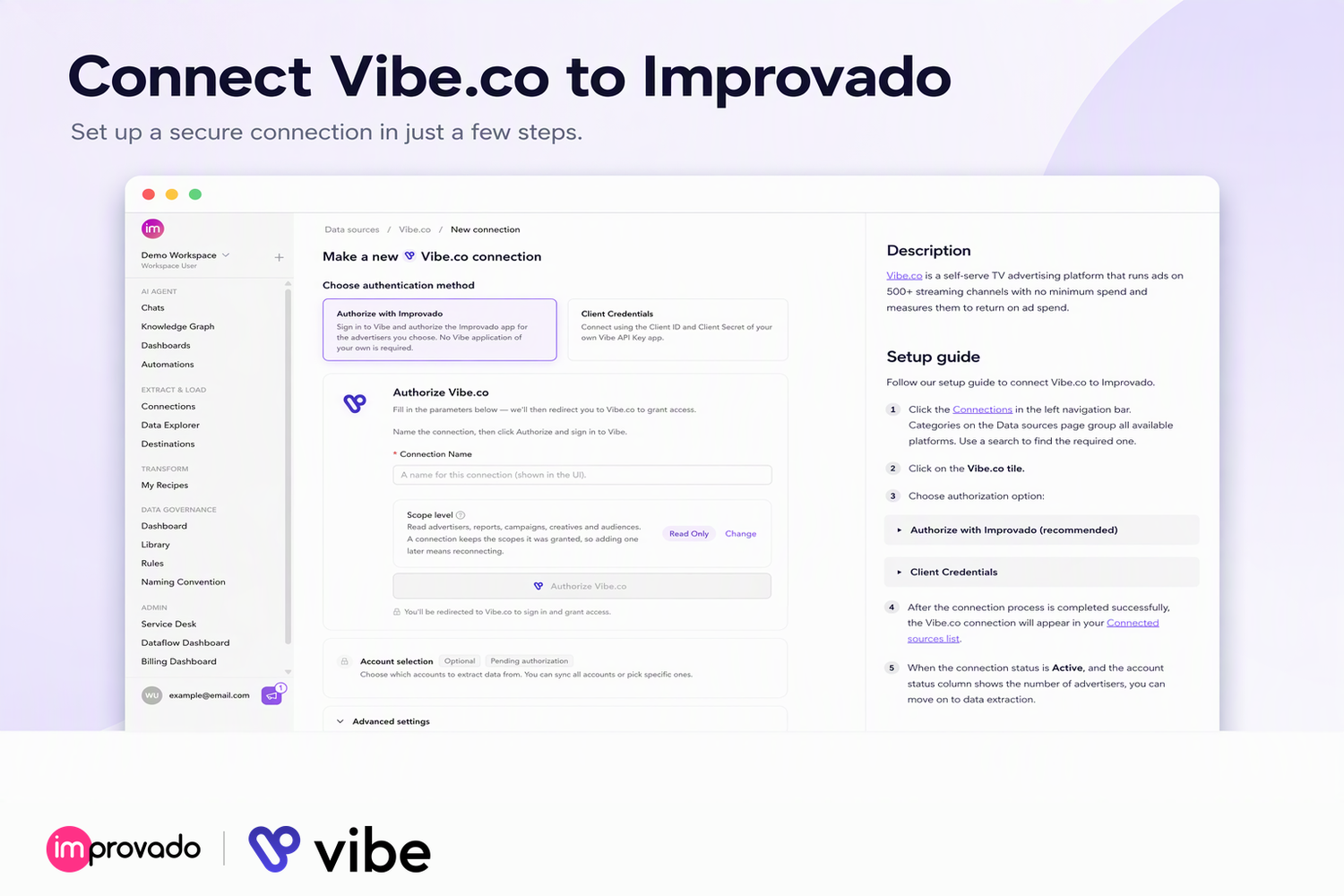
- Open Connections: in Improvado (https://report.improvado.io), go to Connections and select Vibe.co.
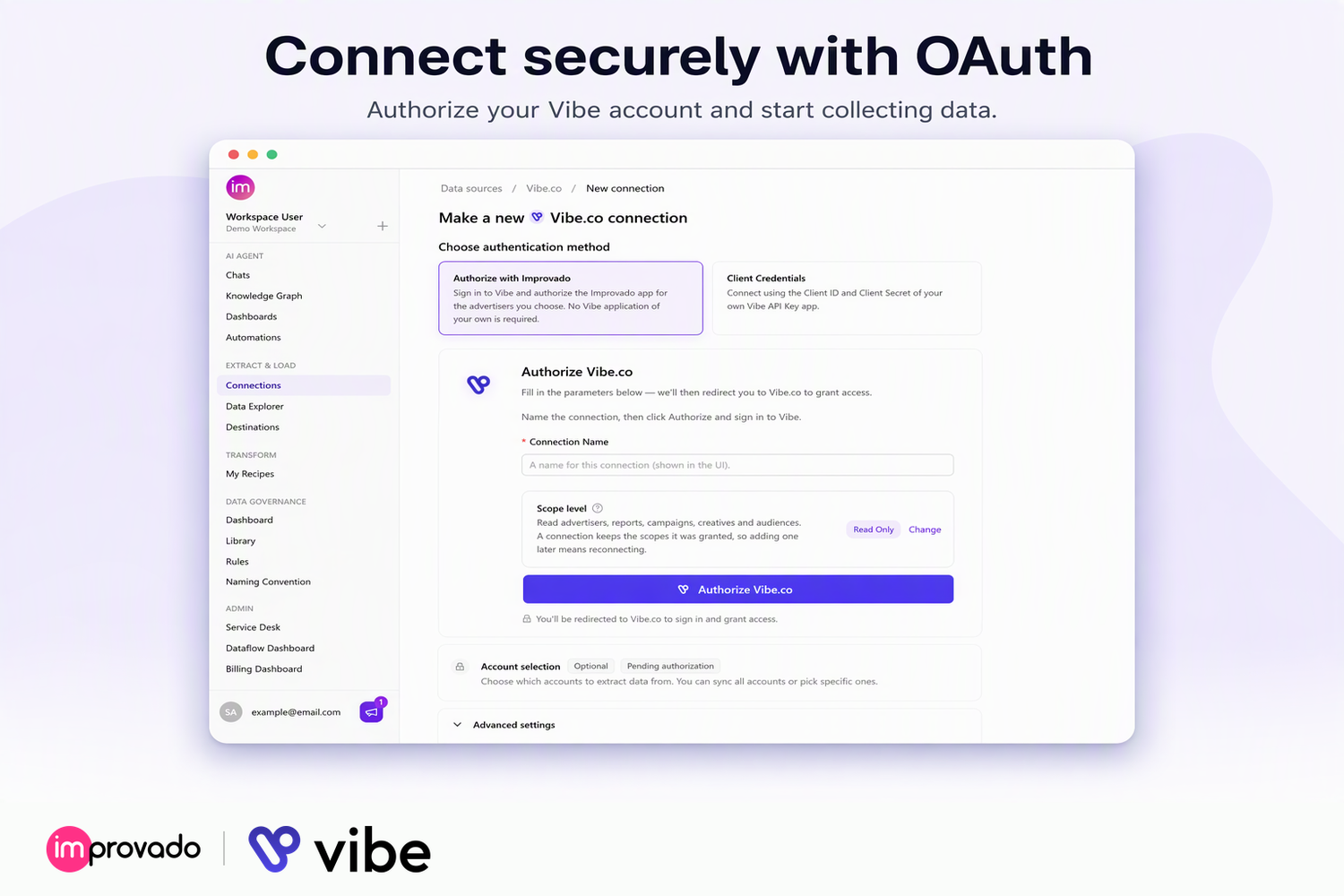
- Name the connection and choose the access level: Read Only by default, Read and Write to let the AI agent create and edit campaigns, creatives and audiences, or Custom to pick individual permissions.
- Authorize: click Authorize, sign in to Vibe, choose the advertisers to share, and approve.
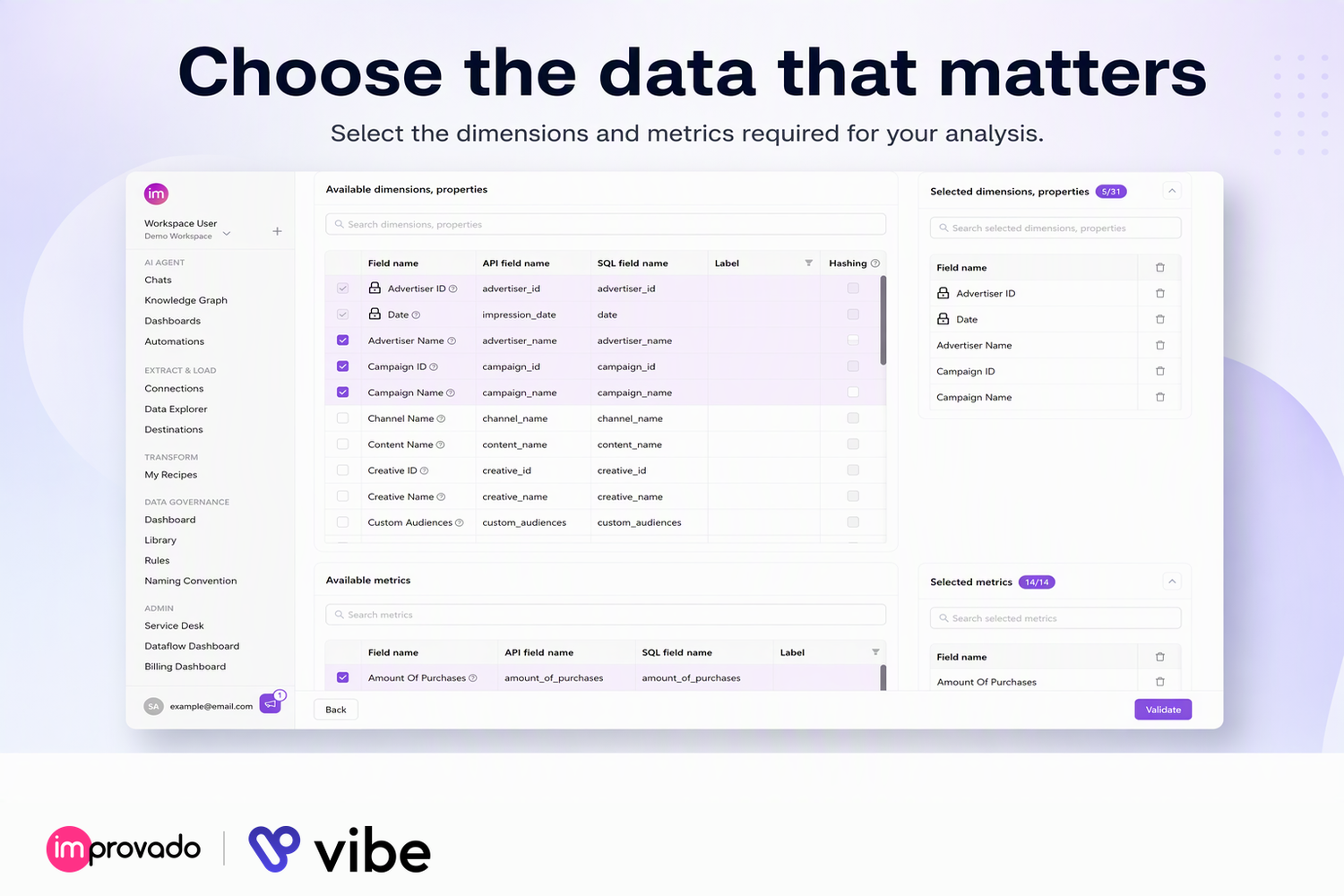
- Extract: create an extraction with the Reports report type. Pick the metrics and dimensions you need, a day, week or month granularity, and a schedule.
- Analyze: Improvado refreshes your Vibe data on that schedule. Join it with the rest of your marketing data in your warehouse or in Improvado dashboards.
You might be interested in
Adverity
Enterprise-grade marketing data platform that delivers clean, trusted and unified data from Vibe and 600+ other sources anywhere it is needed.

Adzviser
Adzviser connects cross-channel marketing data to AI assistants and BI tools for automated reporting.

Domo
Create and run reports, and track and analyze purchase events across your advertising campaigns.

Funnel.io
The Marketing Intelligence Platform that helps 2000+ marketers to go from data to intelligence

Polytomic
Sync between Vibe and your databases and apps

Supermetrics
Connect Vibe ads with your favorite reporting tools and warehouses, turning raw data into useful insights.

Windsor.ai
Windsor.ai automatically syncs your Vibe.co data with BI tools, data warehouses, or databases, enabling you to conduct in-depth cross-channel analytics.